A real focus session
Choose 25, 50 or custom minutes. Pause when needed, take a separate break and keep a record of the time you actually spent.
How focus works →Friction Atlas helps you understand why a habit gets blocked, what actually helps, and when digital distraction is part of the pattern.
Friction Atlas: Habits & Focus · “Understand your habits. Find your focus.”
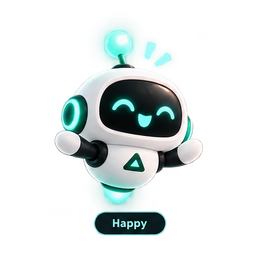
Start a focus session, find what gets in the way, and keep a little bot by your side as you get back on track.

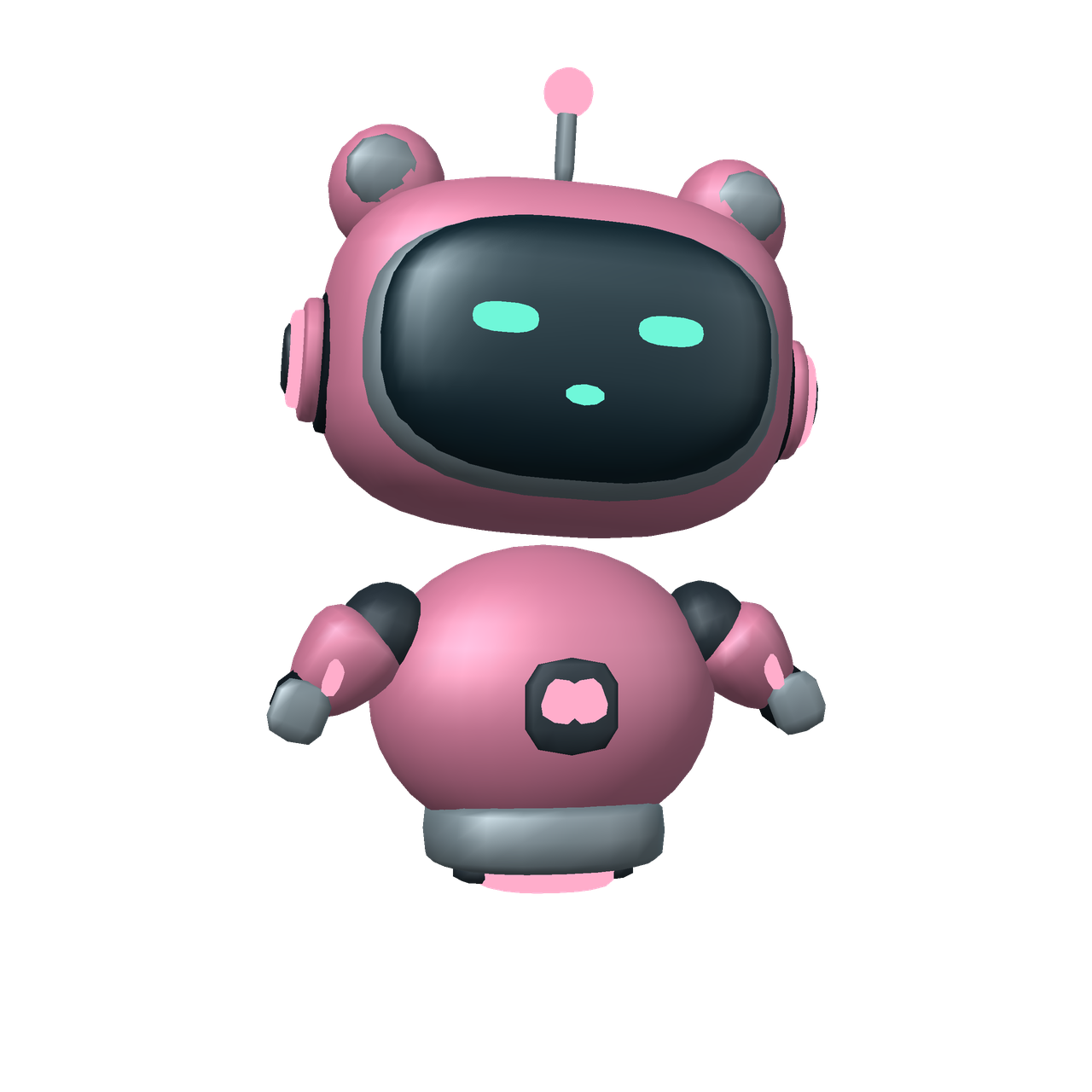
Meet every companion in its original and 3D looks. Atlas Mini is free, and the other characters are optional one-time purchases.
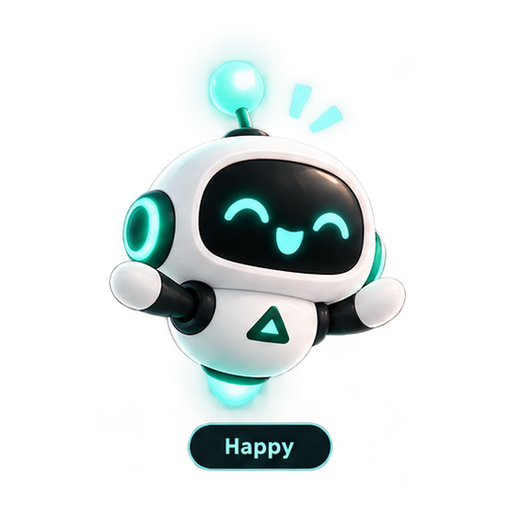
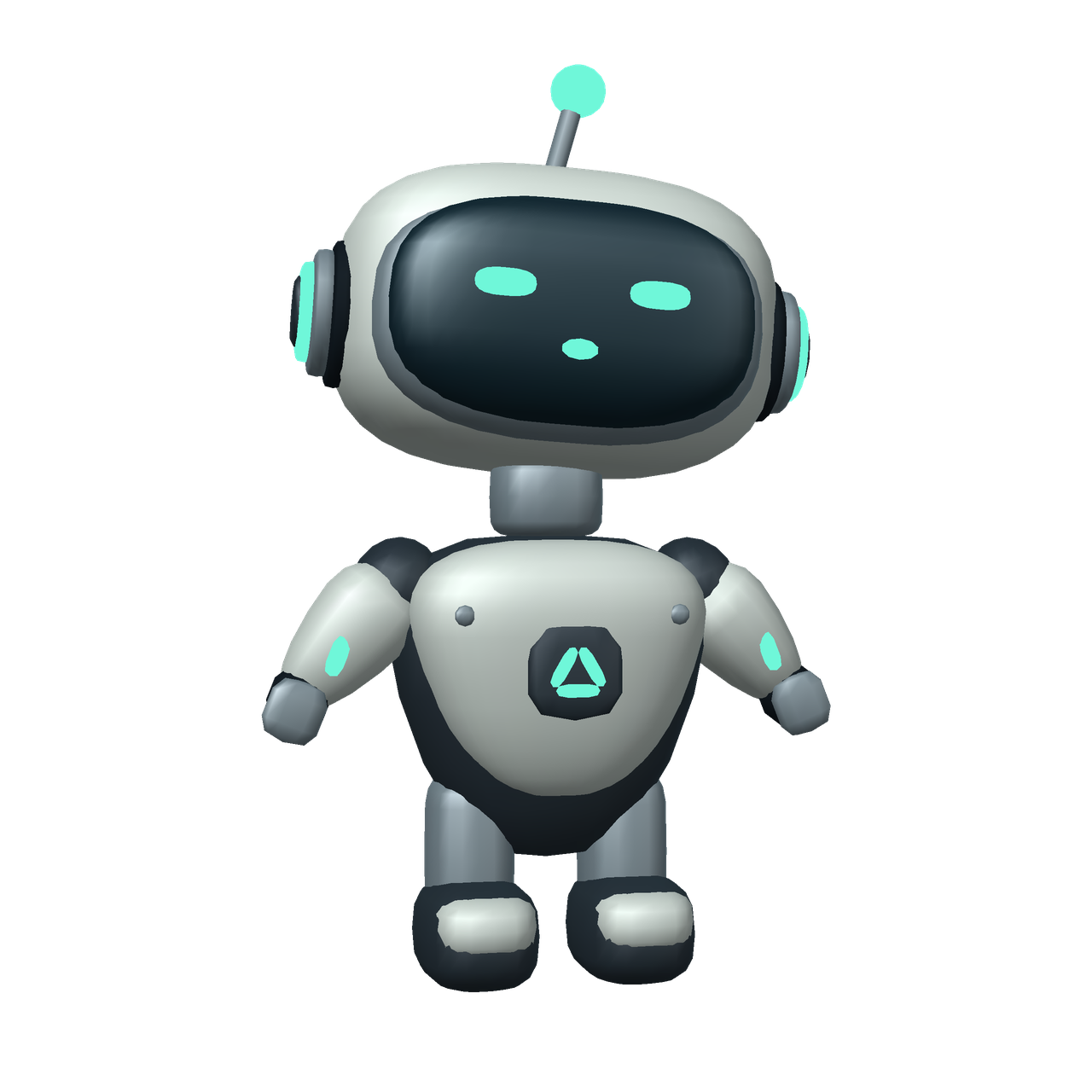
Your calm starter companion.
Free · Default
Soft, round and extra expressive.
Collectible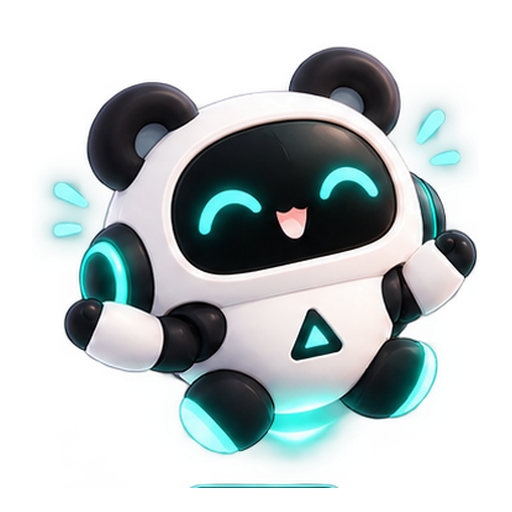
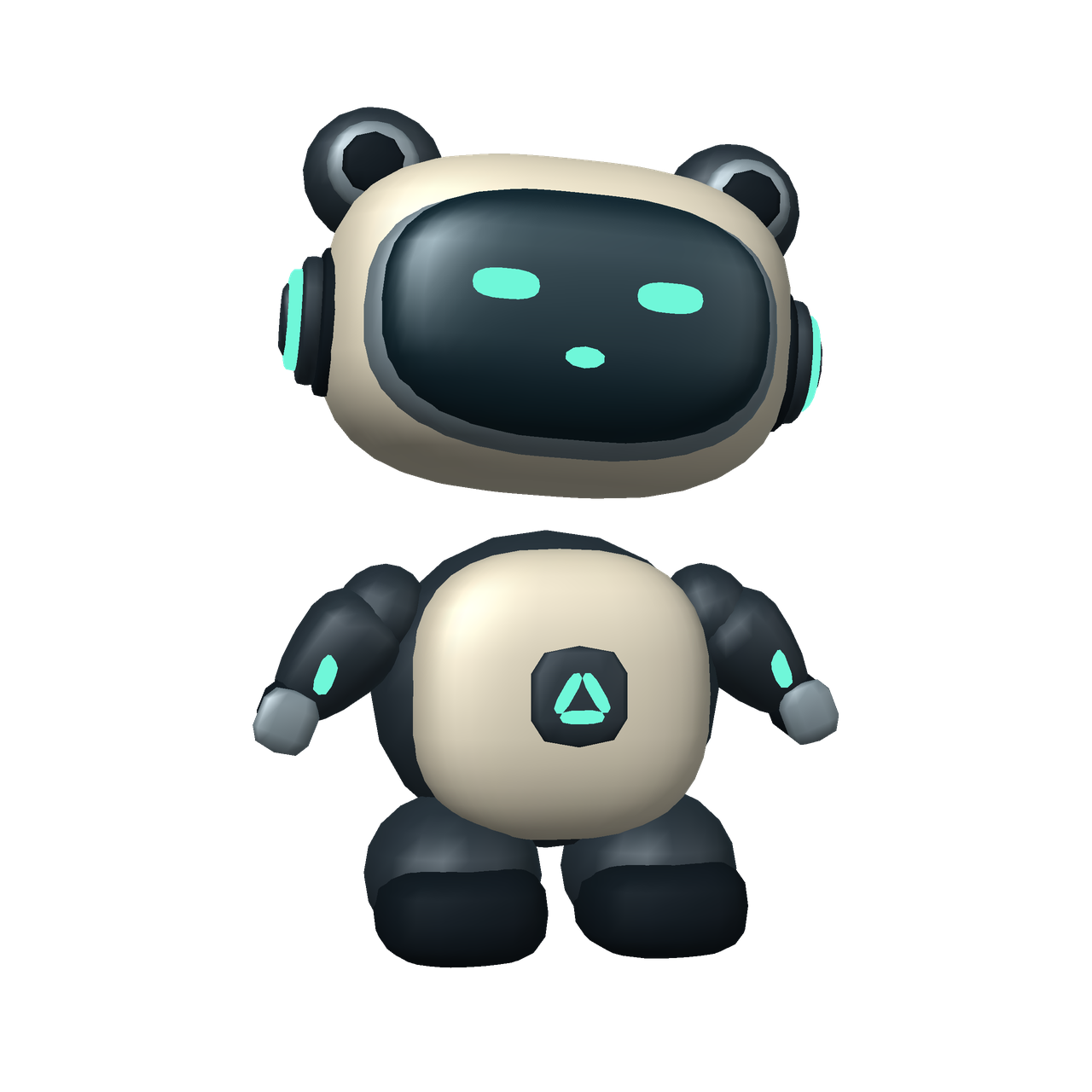
Playful panda energy for focus days.
Collectible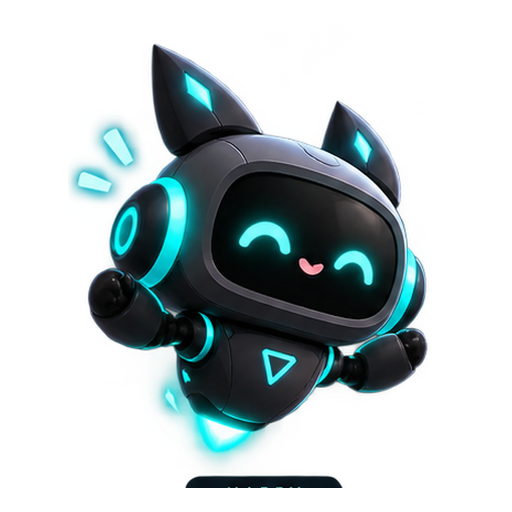
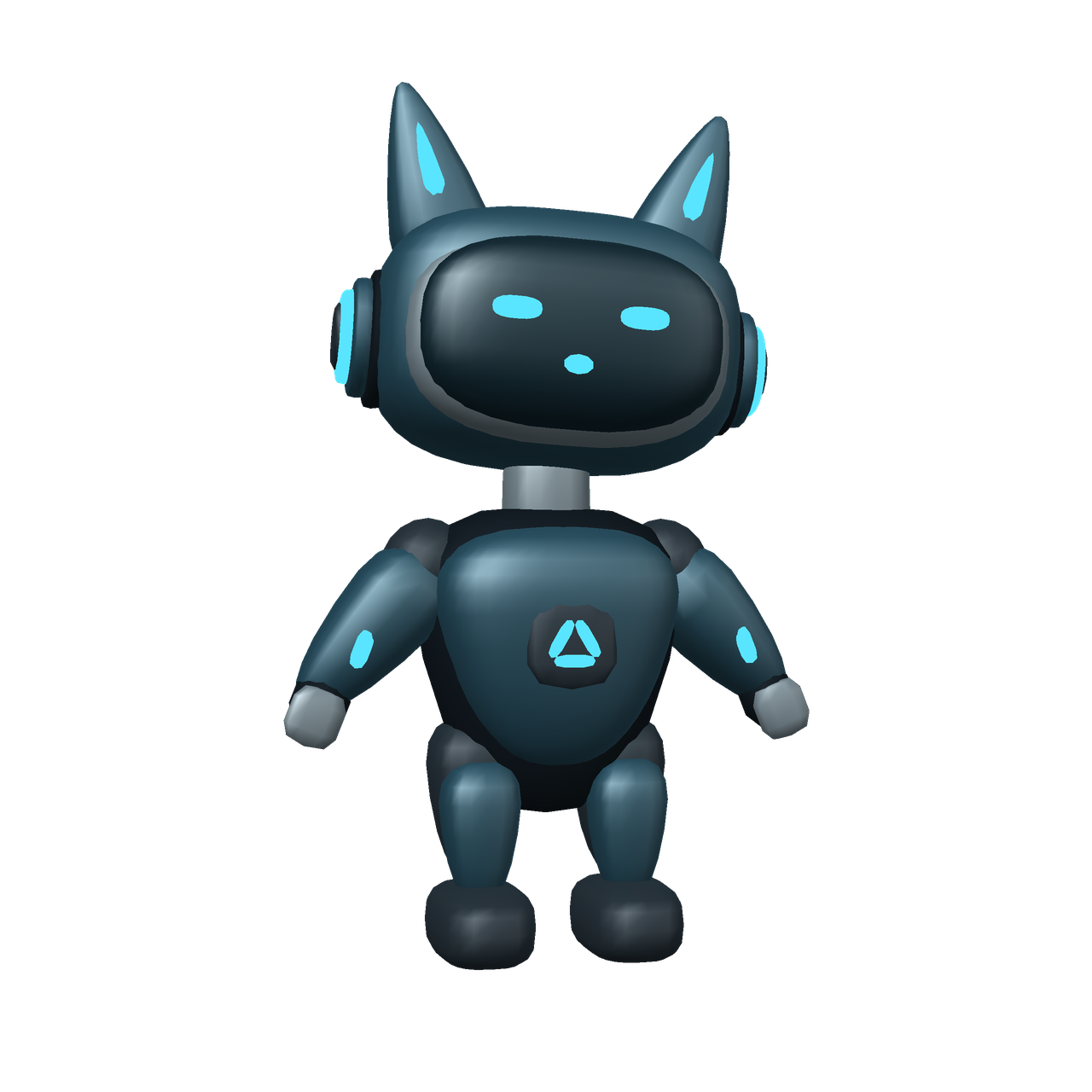
Cyber companion with electric reactions.
Collectible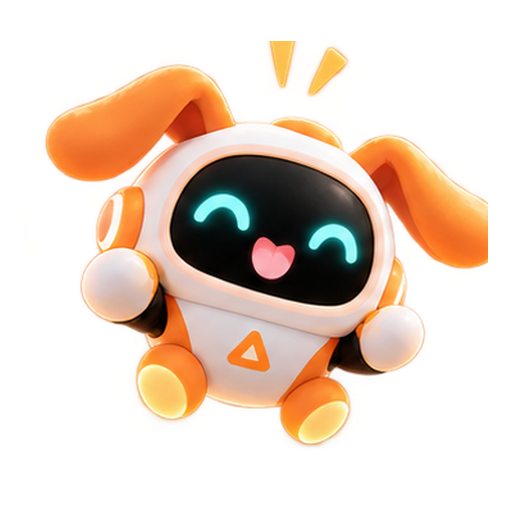
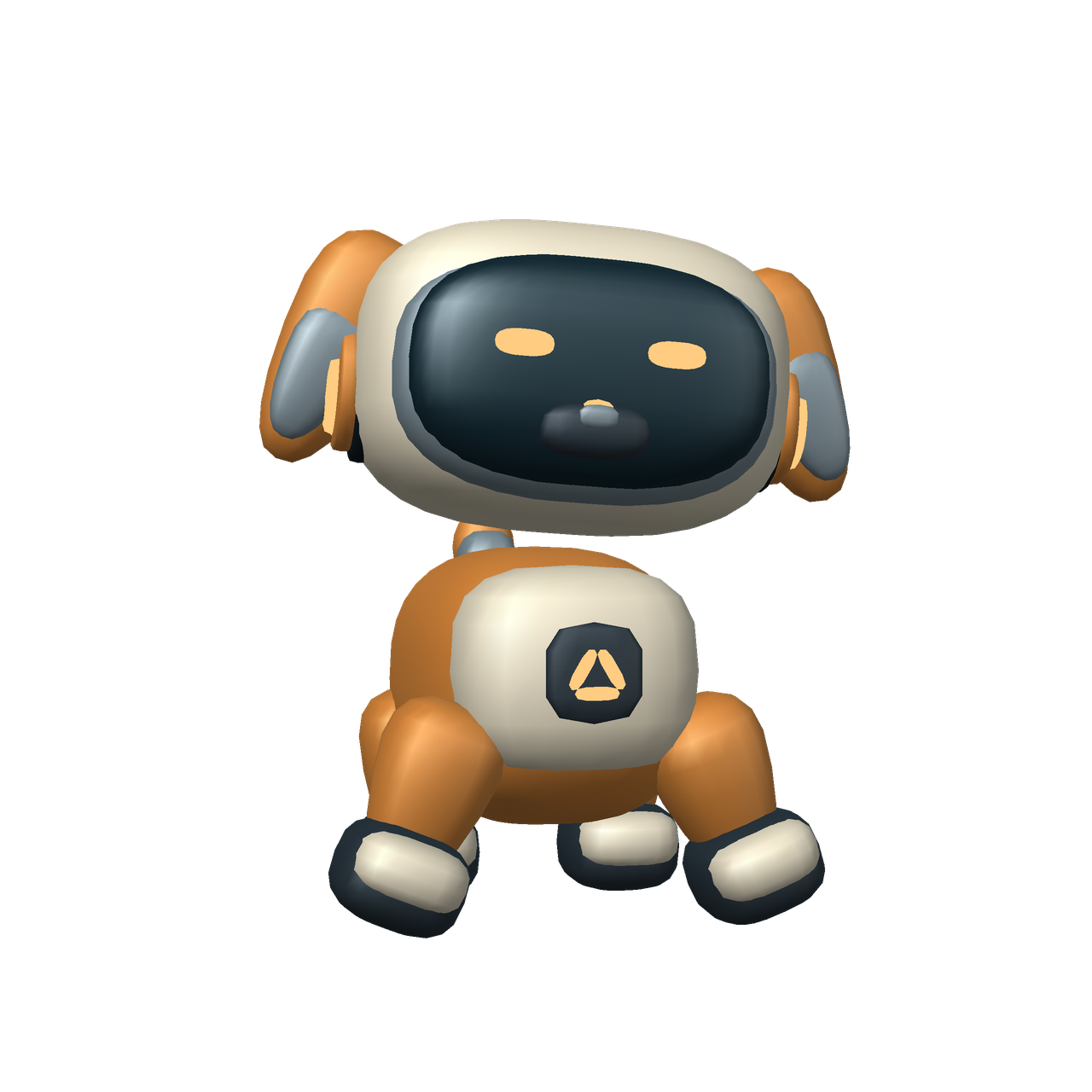
A space pup with a warm personality.
CollectibleFriction Atlas · Brand ambassador
Understand what blocks a habit. Test a small change. Find the patterns that help you focus.
See how it worksNot released yet · Android & Microsoft Store coming soon


Friction Atlas · Represented by our brand ambassador
Streaks tell you what happened.
Friction Atlas helps you understand why.
For studying, work, movement or a personal project. Start with one useful action; add detail when you need it.
Choose 25, 50 or custom minutes. Pause when needed, take a separate break and keep a record of the time you actually spent.
How focus works →Set weekdays, times and a goal. Today shows what is due; dated records keep your progress even when your routine changes.
Build a routine →Track steps during an Android walk session with optional activity access. On Windows or without a sensor, enter the steps yourself.
Track a walk →Select the apps that distract you. During focus, your bot steps in with a clear way back, a one-minute allowance and an option to end the session.
Pause and breaks release the guard. Windows needs Friction Atlas to stay open; Android asks for a separate, optional Focus guard service. Essential system controls remain available.
Set up Focus guard →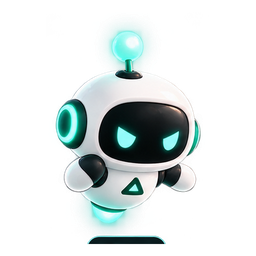
Your focus time is running. Keep your next small step in view.
25:00 · FocusA preview of the bot’s reactions, not a running app session.
Log the obstacle, test a small change, then let your own history show what is worth repeating.
When a habit is blocked, record the real reason: low energy, no time, scrolling, mood, environment, or your own custom barrier.
Run focused 7-day experiments instead of collecting generic advice. See before-vs-during results and keep what works.
Compare Done vs Missed days with screen time, app opens and observed short-form usage. The app reports associations—not fake causation.
Optional Android Usage Access shows foreground time and app visits. Open an app’s detail for each visit and supported observed Reels/Shorts. Enhanced tracking is a separate opt-in.
View app sessions →A draggable companion can surface live context, habit progress and rate-limited reactions without turning the app into a nagging coach.
Core habit history, experiments, correlation evidence and settings are stored locally. Export a backup or delete everything anytime.
Friction Atlas turns each miss into a useful observation instead of a guilt event.
The app is not released yet. Explore the free core, experiments and companion bots while Android and Microsoft Store releases are being prepared.
The upcoming release includes app features without a subscription; only optional paid bots cost extra. Pro monthly, yearly and lifetime plans are reserved for a future release. India reference prices are shown below. Monthly is ₹30 on Android and ₹59 on Windows; regional prices vary. All Pro plans are currently unavailable.
₹30 / month
India: ₹30/month on Android; ₹59/month on Windows. Future subscription for eligible Pro features.
Release status₹199 / year
A subscription for eligible Pro features, billed each year.
Release status₹2,999 once
Permanent access to eligible Pro features and all catalog bots, without a recurring subscription.
Release statusPrices vary by country and platform. Final local prices, taxes, renewal and cancellation details appear in your platform store before purchase. Collectible bots can be bought individually; future Pro Lifetime includes them. A purchase on one platform does not promise access on the other.
I build practical software for Android, Windows and the web. Friction Atlas brings habits, focus and a little companion into one local-first daily workflow.
Coffee support is optional and separate from app purchases. It does not unlock Pro or paid bots.